

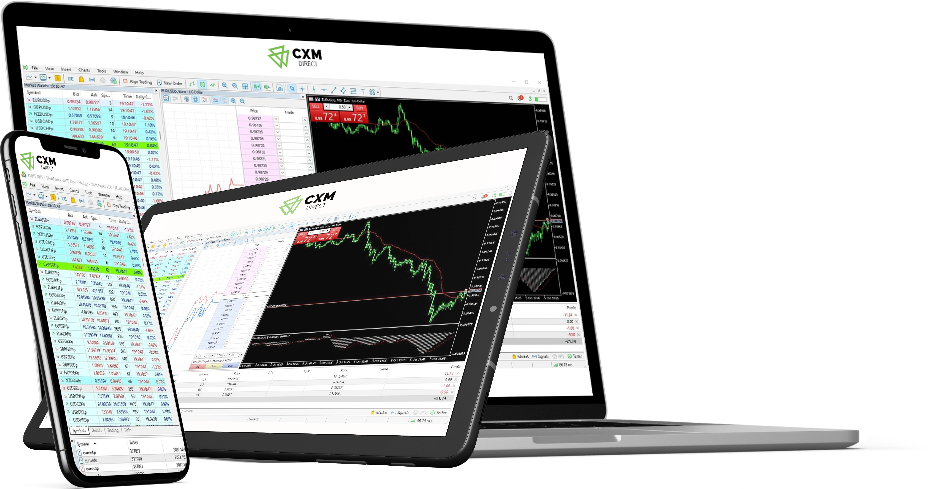

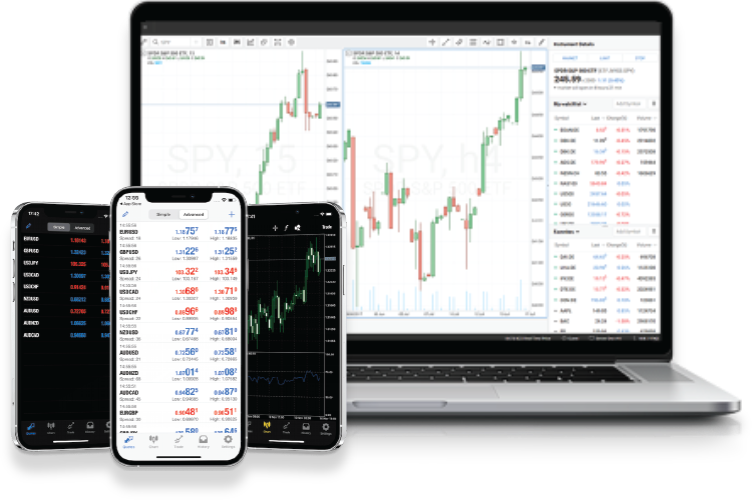
Trade with confidence using advanced trading platform, MetaTrader 5.
CXM is letting you in on the best kept secret of professional traders. The MT5 platform has been designed to suit your trading needs.
How to install the MT5 platform
Access powerful tools to maximize your trading performance and enhance your edge in the FX markets.
Download and run the setup file. A MetaTrader 5 Setup window will appear. Read and accept the License Agreement. Click "Next" to continue.
Installation progress will be shown in a dialogue window. Wait for the installation to complete.
Once the installation is successfully completed, click "Finish" button to launch the CXM Direct MT5 trading platform.
Following successful installation, MT5 will launch with its default parameters. You can use the login details sent to you via e-mail for logging into the MT5 platform.
Download MT5 Platform
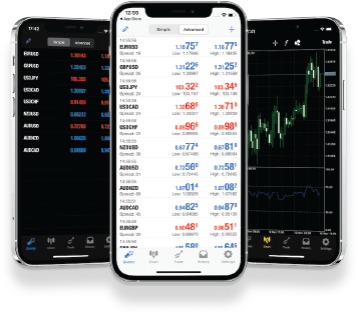
Download the CXM Direct’s MT5 platform from your desktop or mobile device using the links below:
List of questions and answers about MT5
Find answers to the most popular questions regarding trading with MetaTrader 5 platform.
Trade with CXM
You are only a few clicks away!